
Appearance
Get started with ACMMAX
Step-by-step help for your ACMMAX account, websites, domains, email, and cloud services. Start with what you want to do, then follow the guide alongside your Cloud Console.
BROWSE BY PRODUCT
What would you like to do?
Choose a topic for step-by-step instructions.
WebsitesBuild and manage your websiteLaunch WordPress, connect a domain, and keep a backup.View guides DomainsGive your website an addressRegister a domain, update DNS, or renew an existing name.View guides Business EmailSet up email for your businessCreate mailboxes and connect email to your domain.View guides Cloud ServersRun and manage a cloud serverCreate a server, check its resources, and manage access.View guides Object StorageStore and work with your filesCreate a Bucket, upload files, or connect an S3 client.View guides BillingManage payments and renewalsAdd wallet funds, check orders, and review renewal dates.View guides
Before you begin
You will need an ACMMAX account. If someone invited you to their team, activate the invitation first and use the organization sign-in page. Create your own account or activate a team invitation.
Steps
- Sign in to ACMMAX. If you are a team member, use Sign in to your organization.
- Open Home to see your services. On a phone, open Main navigation to find the sidebar links.
- If you are new to the Console, select Getting started. It walks you through appearance, your profile, and the main areas.
- Choose the task you need from the product guides above. Keep the Console open in another tab so you can follow each step.
- If you get stuck, use the ACMMAX assistant or contact Support. Team members can ask their account owner for help with access.
On your screen
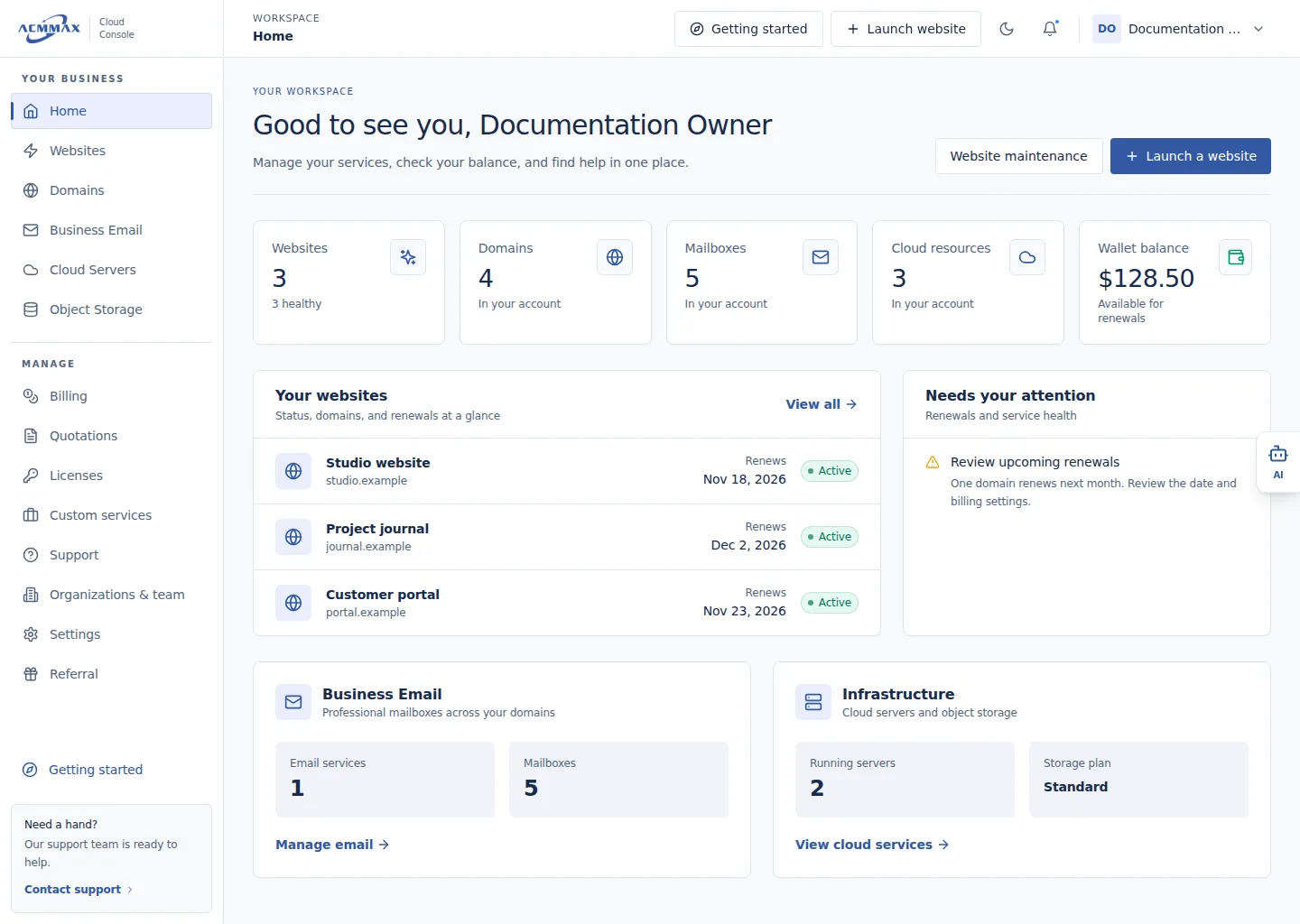
Get started with ACMMAX. Example screen with sample data.
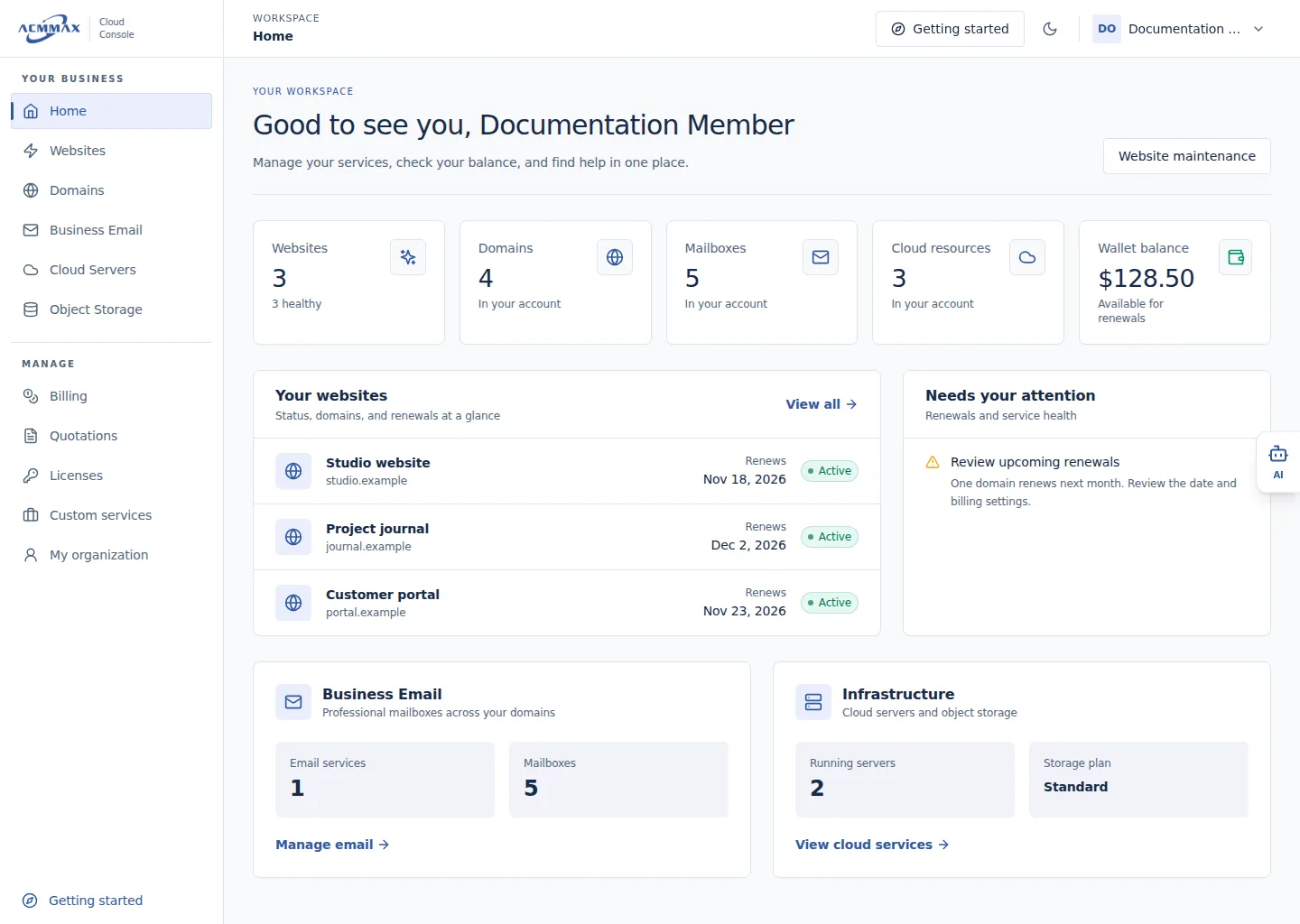
Get started with ACMMAX — team member view. Example screen with sample data.
Check it worked
You can find your services and open the guide for your next task. If a product is missing from a team account, ask the account owner whether you have access to it.
Account types and navigation
| Item | Primary account | Organization member |
|---|---|---|
| Account menu | Shows Primary account and owner settings | Shows Member of {organization} and My organization profile |
| Services | Shows enabled account modules | Shows only modules and actions granted by the organization owner |
| Billing and account areas | Available according to account configuration | May be partly or fully restricted |
| Notifications and Support | Available to the primary account | Owner-only areas may not appear |
Need help?
| State | Meaning | What to do |
|---|---|---|
| You do not have access to this area | Your current role does not include the action. | Return to Home; members can ask the organization owner to review access. |
| This resource is not available | The item is unavailable or outside your current scope. | Return to the product list and verify the selected item. |
| This page does not exist | The address is invalid, old, or incomplete. | Use Main navigation rather than editing the address. |
| A section cannot load | Current data could not be retrieved. | Select Try again once; if the problem remains, contact Support with a reference shown on the page. |