
Appearance
Manage Support tickets
Find account and service requests, open their conversations, or create a safe new request.
Before you begin
Support is available to the primary account. Prepare a concise description, safe service reference, and sanitized error state. Never include passwords or verification codes.
Steps
- Select Support in Main navigation.
- Review Request, Service, Priority, and Status for each ticket.
- Move through pages to find the intended request.
- Open a ticket to read and reply, or select Create ticket for a new issue.
- Keep related communication in the existing ticket instead of creating duplicates.
On your screen
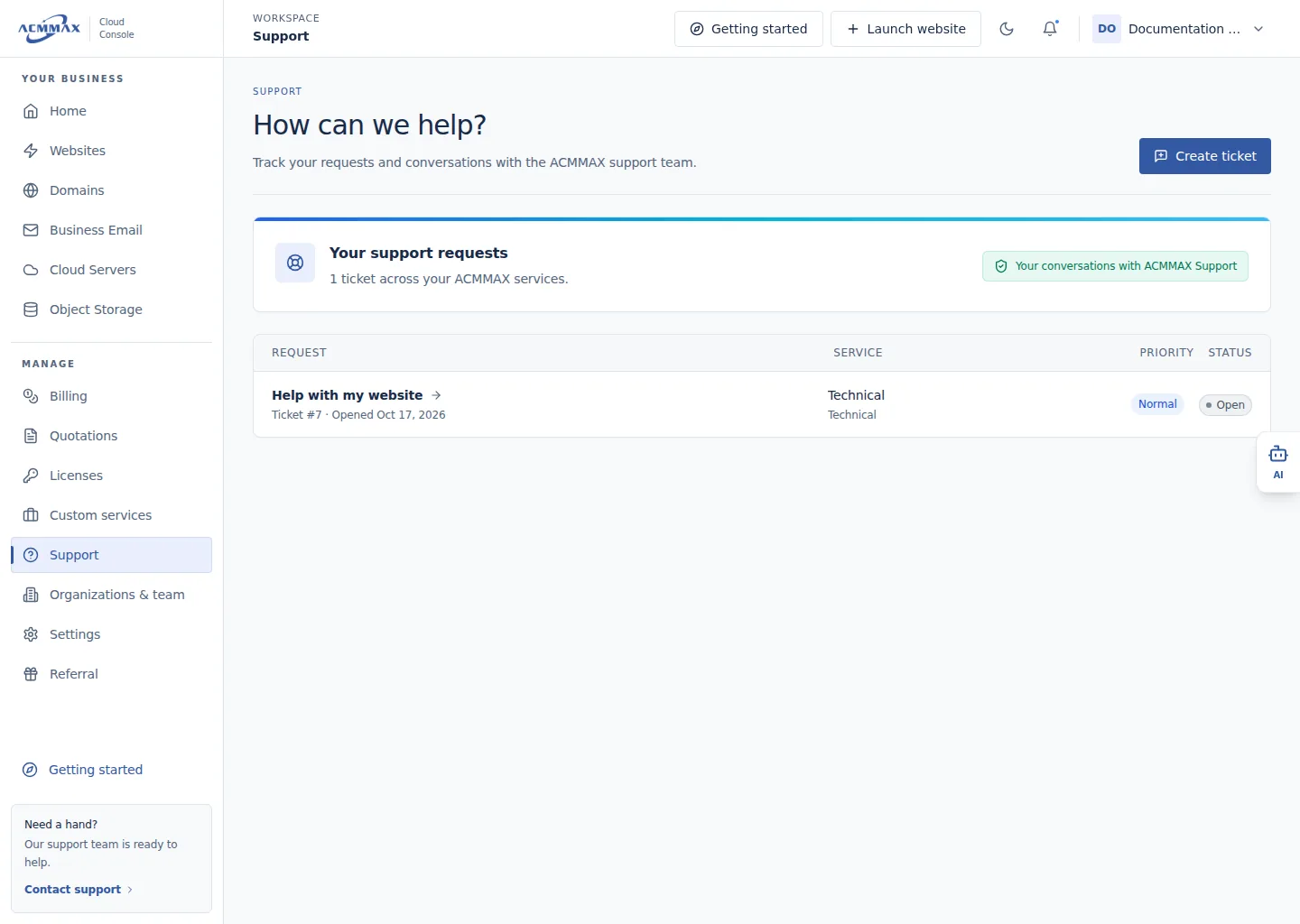
Manage Support tickets. Example screen with sample data.
Check it worked
The intended ticket or creation form opens, with its current status and conversation available.
Need help?
| State | What to do |
|---|---|
| Support is unavailable | Confirm you are using the primary account. |
| Ticket is missing | Check pagination and account, then use its reference shown on the page. |
| Status appears stale | Open the ticket and select Refresh. |
| Sensitive data was posted | Rotate exposed credentials immediately and send a request to sanitize the message. |