
Appearance
Manage organizations and team
Apply for organization access when needed, or create and manage organizations after access is enabled.
Before you begin
This area is primary-account only. Organization entitlement can be unavailable, pending review, rejected with a note, or enabled. Member actions can send real email or immediately change access.
Steps
- Open the account menu and select Organizations & team.
- If Apply for organization access appears, enter the company or organization name and usage reason, review them, and submit once.
- If the application is pending, wait for review. If rejected, read the note and use reapply only after addressing it.
- When access is enabled, review the organization list or select Create organization.
- Open an organization and use Profile, Domain, Members & permissions, or Audit log.
On your screen
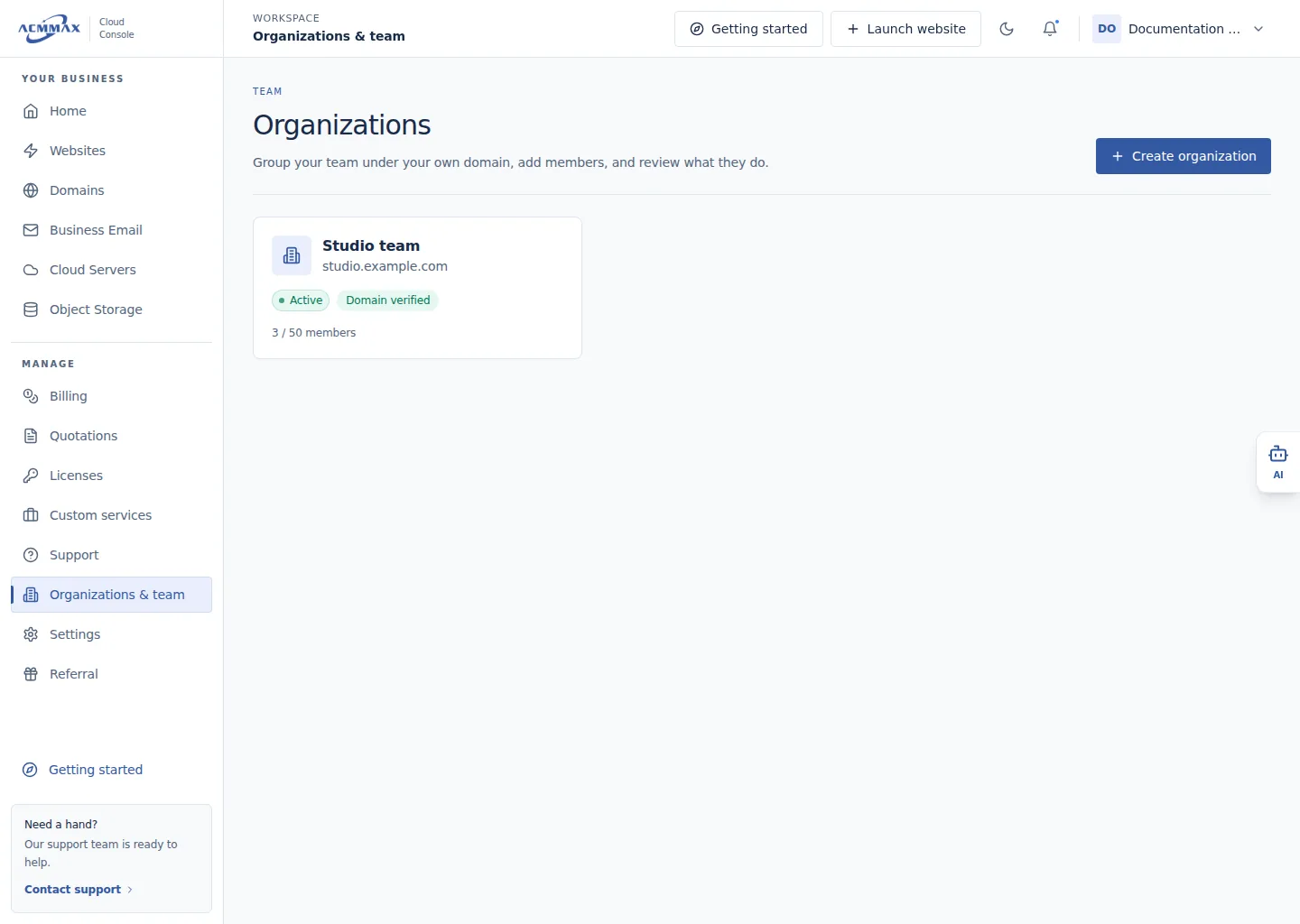
Manage organizations and team. Example screen with sample data.
Check it worked
The current application state appears, or enabled organization list and management actions become available.
Organization access states
| State | What to do |
|---|---|
| Application available | Submit accurate organization and usage details once. |
| Pending review | Wait; do not submit duplicate applications. |
| Rejected | Read the reason and reapply only when offered and corrected. |
| Enabled | Create or manage organizations. |
| Owner-only | Sign in with the primary account. |