
Appearance
Manage Business Email
Use Business Email to buy and manage email service, mailboxes, DNS configuration, capacity, and renewal.
Before you begin
Purchases and expansions require wallet-payment access. Mailbox credentials, DNS changes, and deletion require extra care. Organization-member actions depend on the access shown for that role.
Steps
- Select Business Email in Main navigation.
- Review existing services and select Manage, or choose Set up email when offered.
- For a managed service, review status and expiry before opening Mailboxes, DNS configuration, renewal, or expansion tasks.
- Use payment-result pages to verify paid changes before repeating an action.
On your screen
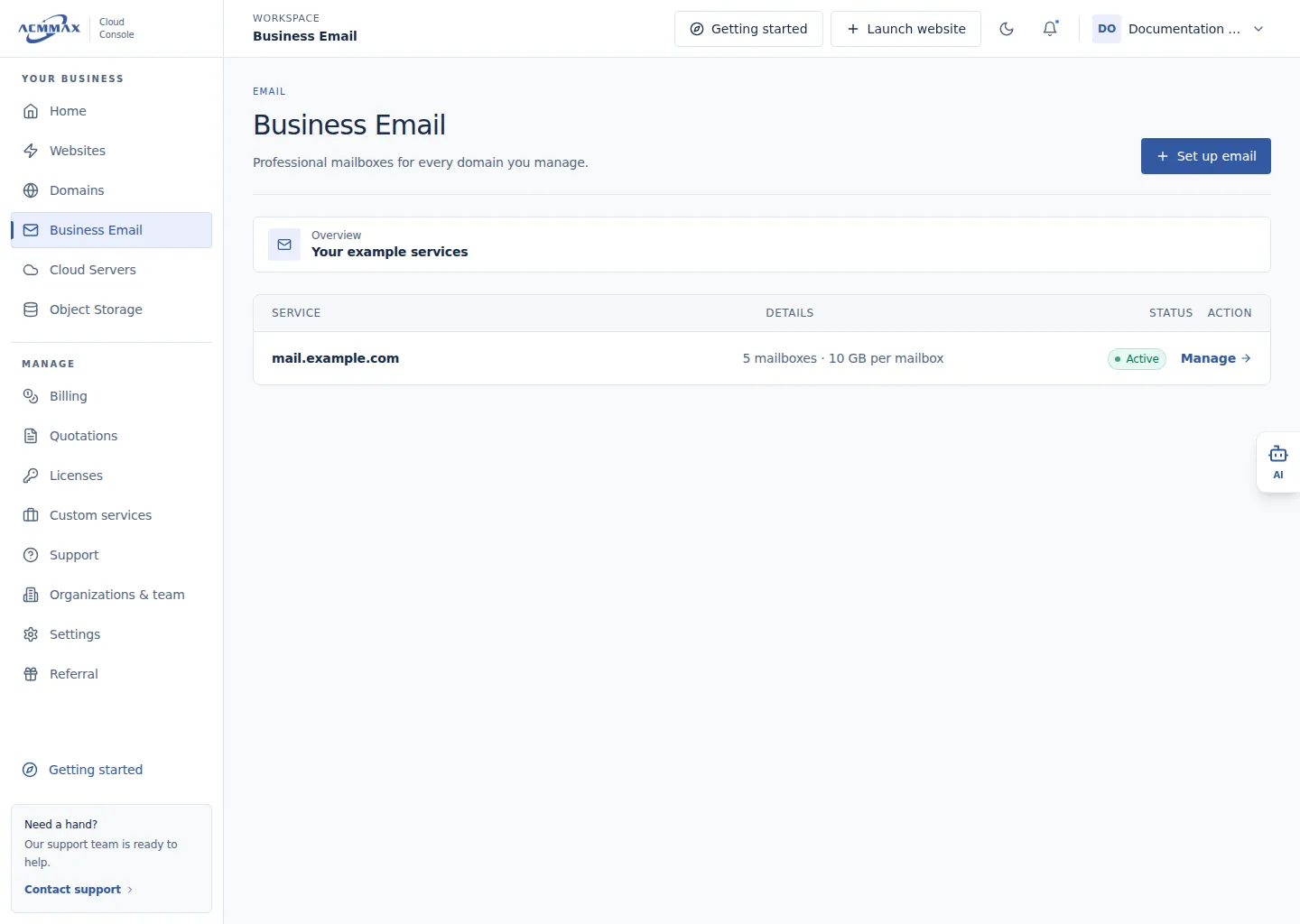
Manage Business Email. Example screen with sample data.
Check it worked
The selected service or task opens without changing email, DNS, or billing automatically.
What to enter
| Area | Use it to |
|---|---|
| Set up email | Purchase service for a controlled domain |
| Manage | Review webmail, usage, renewal protection, mailboxes, and DNS |
| Add capacity | Purchase additional mailbox slots or storage when offered |
| Payment results | Verify provider processing, success, refund, review, or timeout |
Need help?
| State | What to do |
|---|---|
| Service or action is hidden | Review member access and service status. |
| DNS is incomplete | Copy only the records currently displayed for the service. |
| Paid result is uncertain | Check the payment result and order; do not pay again. |