
Appearance
Manage licenses
Find an existing software license and review its safe summary without exposing the full key.
Before you begin
Licenses is available only to the primary account. License keys are credentials; do not include them in screenshots, messages, or Support tickets.
Steps
- Select Licenses in Main navigation.
- Review Product, masked Key, Sites, Status, and lifetime or expiry information.
- Move through pages when needed.
- Open only the intended license to review key and activated-site actions.
On your screen
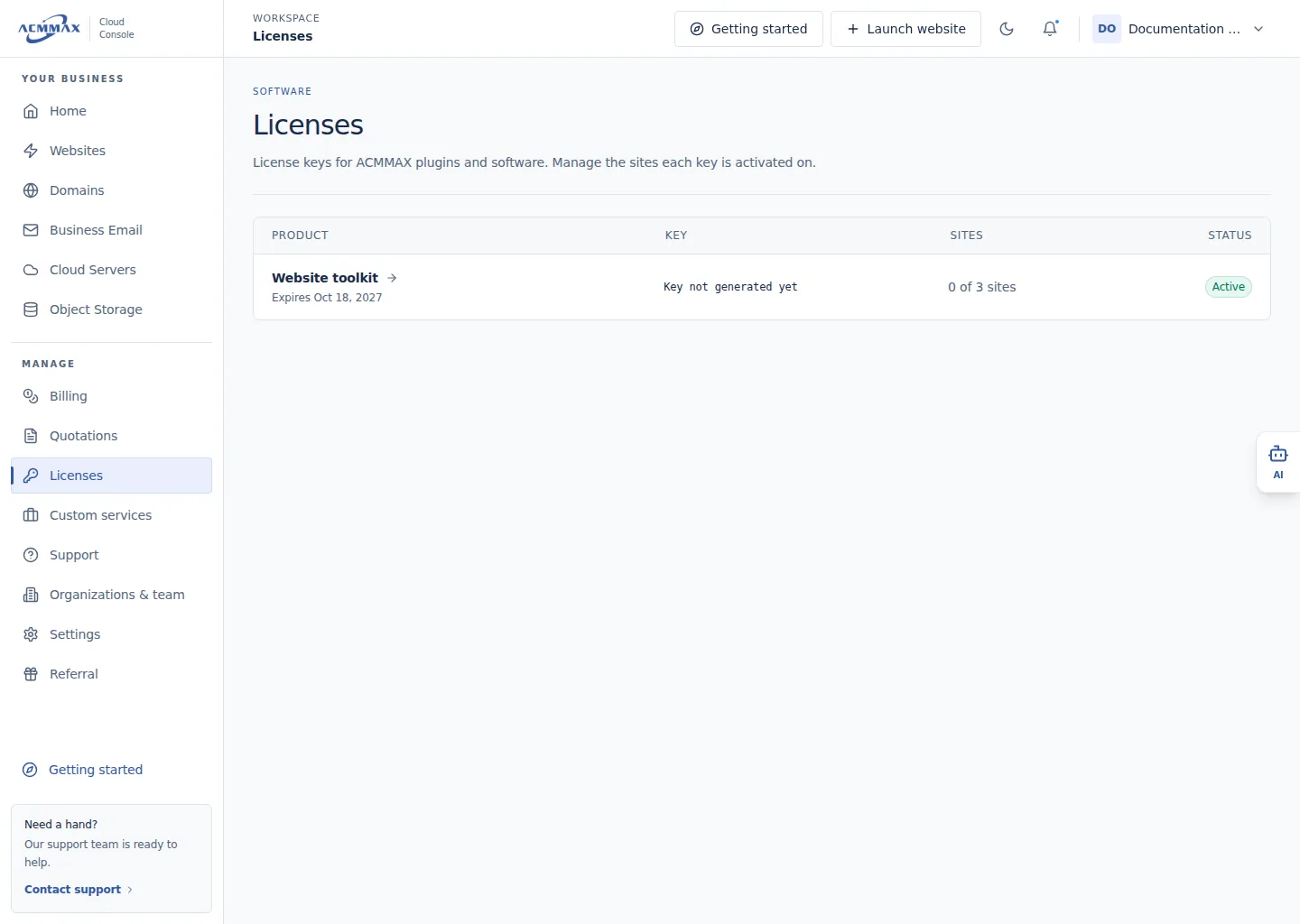
Manage licenses. Example screen with sample data.
Check it worked
The selected license opens, or a clear loading, empty, or unavailable state appears. The list never requires revealing a full key.
Need help?
| State | What to do |
|---|---|
| Licenses is unavailable | Confirm you are using the primary account. |
| Expected license is absent | Clear pagination assumptions and contact Support with the product and safe order reference. |
| License is inactive | Review the displayed status; new activations may be unavailable. |
| Key appears exposed | Regenerate it when appropriate and update authorized installations. |