
Appearance
Manage custom services
Find tailored service requests, review their current lifecycle and next action, or open the current catalog.
Before you begin
Custom services is available only to the primary account. Catalog content, pricing guidance, turnaround, revisions, and request actions vary at runtime.
Steps
- Select Custom services in Main navigation.
- Review each request's service, lifecycle, and displayed next step.
- Open the intended request to inspect progress, quotation, payment, deliverables, or review actions.
- Select Browse services to view the current catalog. Browsing does not create a request or charge.
On your screen
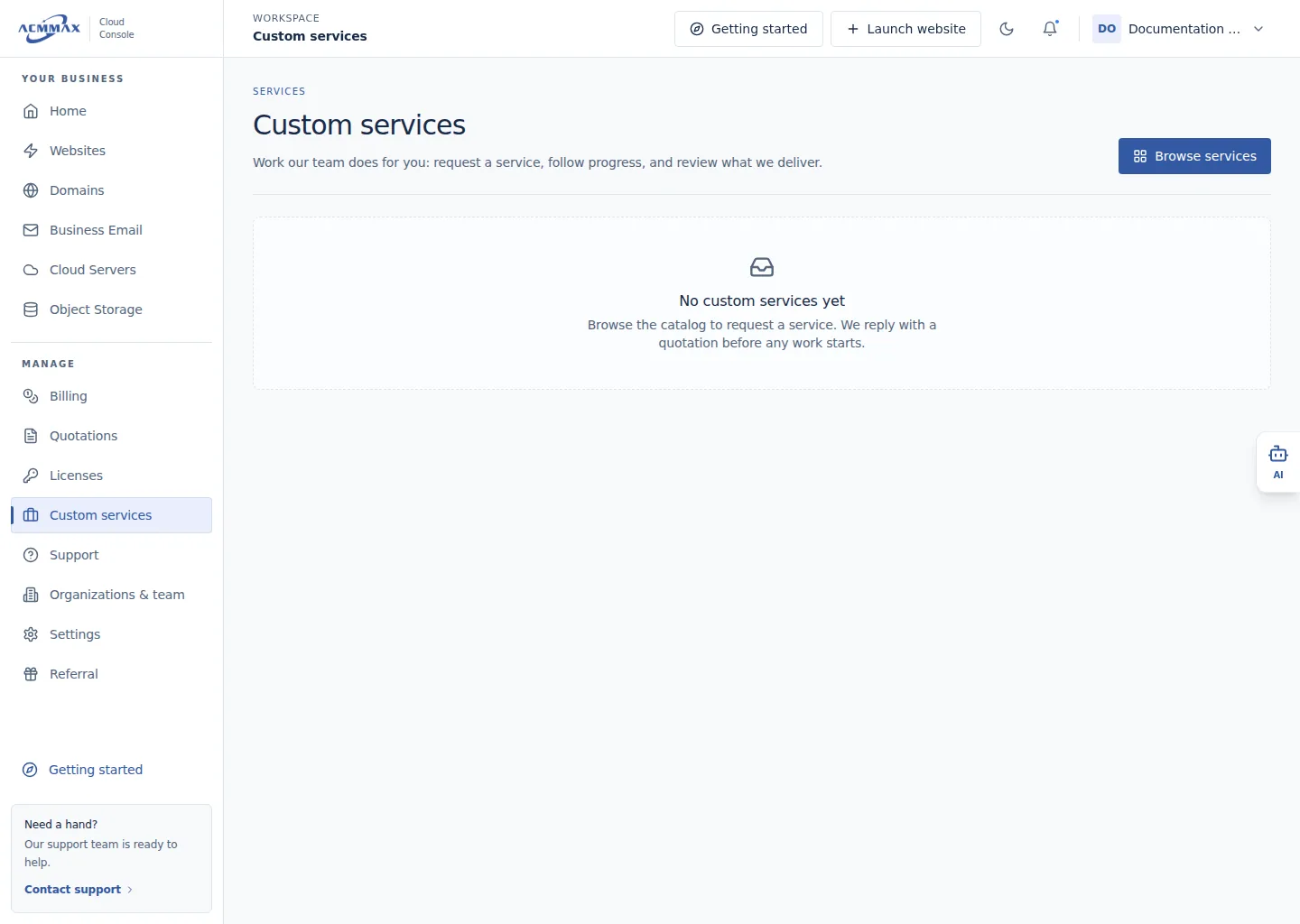
Manage custom services. Example screen with sample data.
Check it worked
The selected request or catalog opens. No charge occurs merely by opening either area.
Need help?
| State | What to do |
|---|---|
| Custom services is unavailable | Confirm you are using the primary account. |
| Request is absent | Verify the account and wait for a recent submission to appear before repeating it. |
| Next step is unavailable | Review lifecycle and wait for the displayed team action. |
| Request cannot load | Retry once, then contact Support with a safe service reference. |