
Appearance
Manage domains
Use Domains to find, register, transfer, renew, protect, and connect domain names available to your account.
Before you begin
Registration and transfer can require a complete primary-account profile, wallet funds, and control of external registrar or DNS settings. Organization members see only permitted domains and actions.
Steps
- Select Domains in Main navigation.
- Review existing rows and select Manage for the intended domain.
- Select Find a domain to check one exact name, or Transfer a domain when that action is offered.
- For an existing domain, review lifecycle and expiry before opening renewal, privacy, nameserver, Cloudflare DNS, or DNS-record tasks.
On your screen
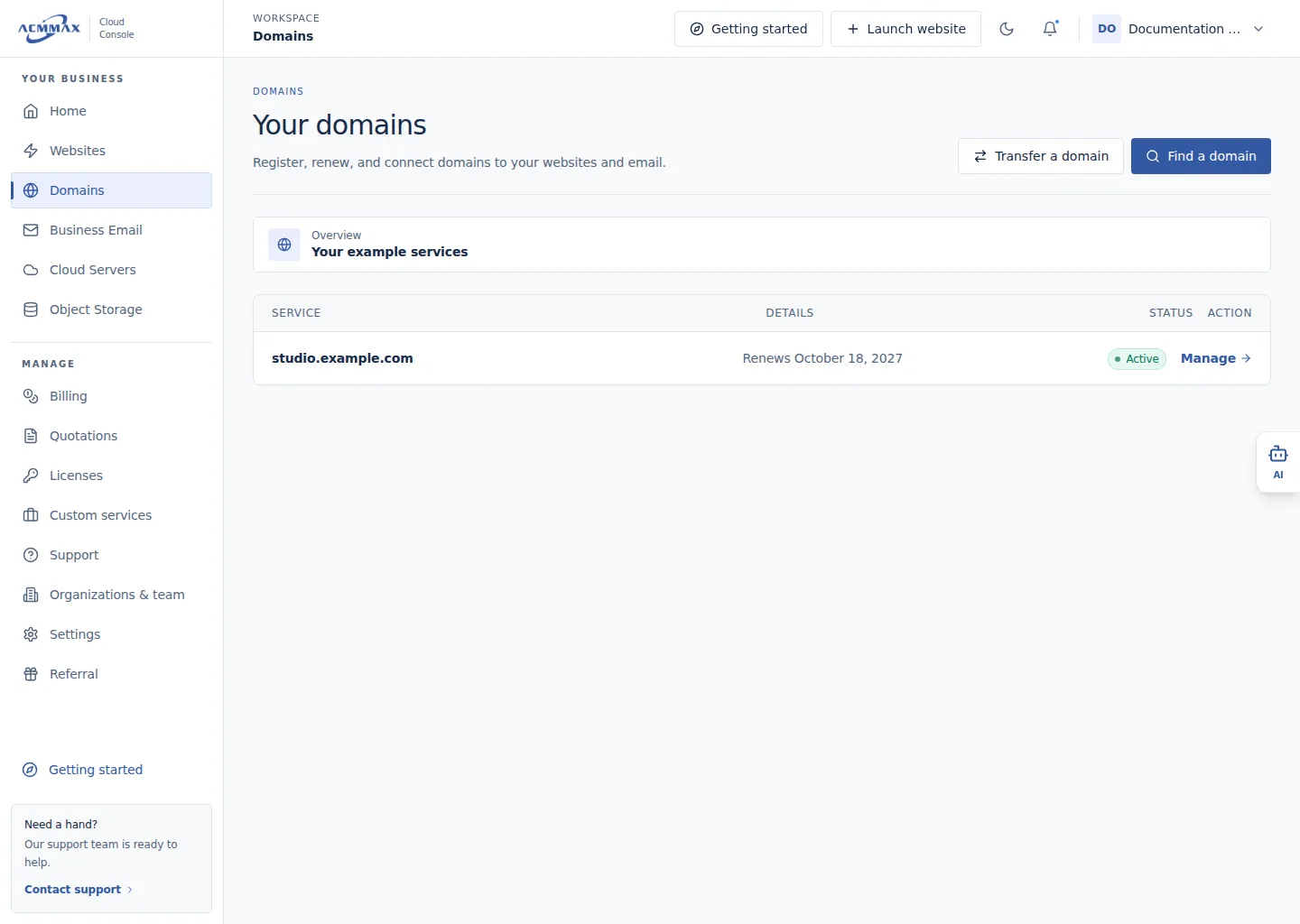
Manage domains. Example screen with sample data.
Check it worked
The selected task opens without purchasing or changing a domain. All availability, price, extension support, and provider results come from the current Console.
What to enter
| Area | Use it to |
|---|---|
| Find a domain | Check current availability without reserving a name |
| Transfer a domain | Start an eligible transfer with an authorization code |
| Manage | Review lifecycle, protection, connectivity, and available changes |
| Payment results | Track provider processing, success, refund, review, or timeout |
Need help?
| State | What to do |
|---|---|
| Domain or action is not visible | Confirm member access and domain lifecycle. |
| Provider data is unavailable | Retry later; do not infer availability or success. |
| Paid result is uncertain | Review the operation and orders before repeating anything. |