
Appearance
Configure Business Email DNS
Copy the current Business Email record set into the domain's authoritative DNS service.
Before you begin
Control the domain DNS and record all existing mail-related values before changing them. Plan any migration from an existing mail provider; do not remove unrelated records without understanding their purpose.
Steps
- Open the Business Email service and select DNS configuration.
- Wait for the current record set to load.
- For each row, copy Type, Host, Value, and Priority exactly as shown.
- At the authoritative DNS provider, add or update only the required records.
- Return to the service and review current status after the DNS provider has accepted the changes.
- Keep the Console record set available while testing mail send and receive behavior.
On your screen
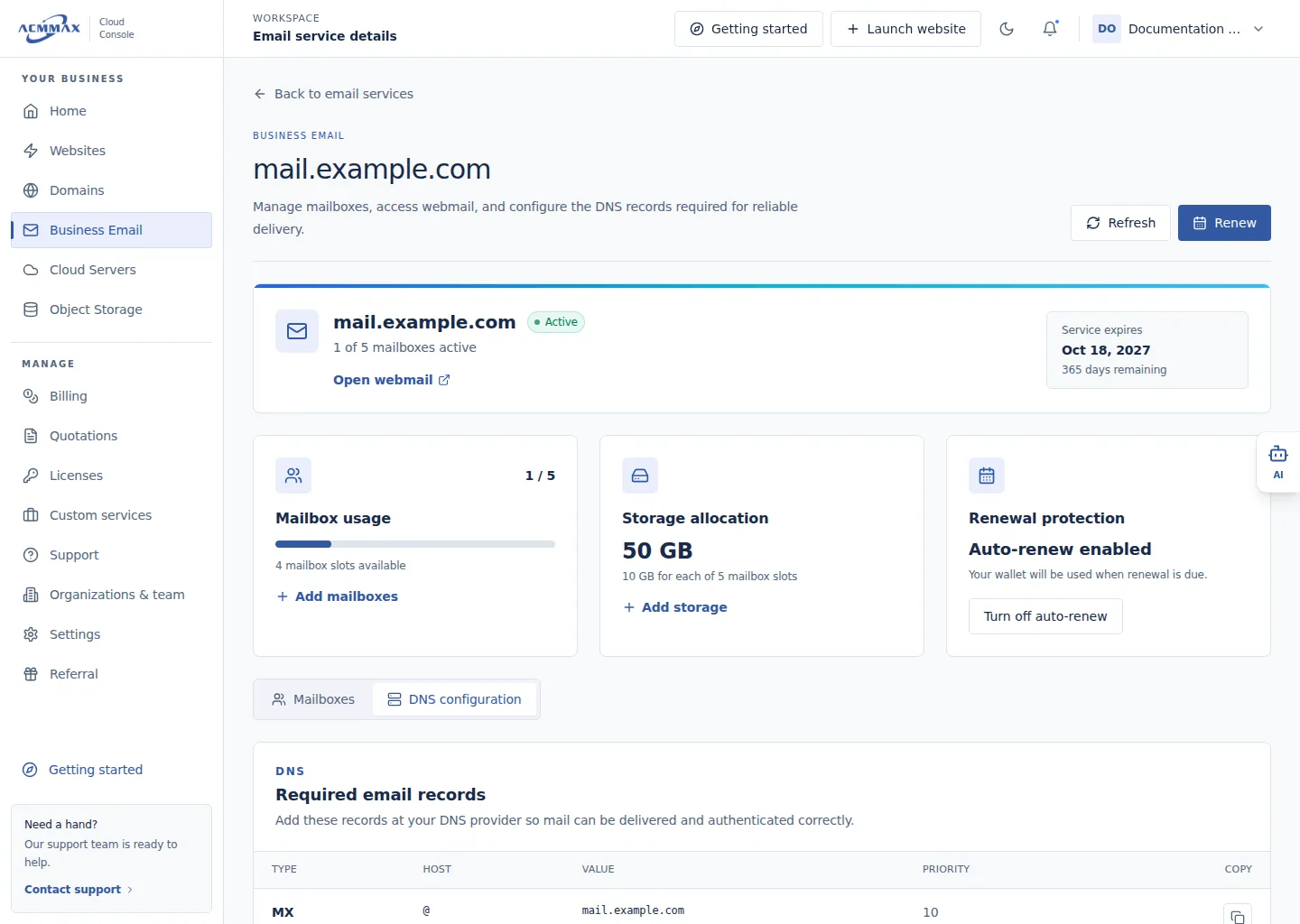
Configure Business Email DNS. Example screen with sample data.
Check it worked
The required runtime record set is available and can be matched at authoritative DNS. External readiness depends on the provider and is not guaranteed by saving a row.
What to enter
| Field | Guidance |
|---|---|
| Type | Use the exact record type displayed for this service. |
| Host | Copy exactly, including any provider-specific root notation. |
| Value | Copy the complete current destination or policy value. |
| Priority | Preserve it when the row provides one. |
| Copy | Copies the selected displayed value; verify it before saving externally. |
CAUTION
Incorrect mail DNS can stop delivery or weaken protection. Runtime records and provider timing can change; never copy example values from another account or this manual.
Need help?
| State | What to do |
|---|---|
| Records keep loading or error | Retry later; do not invent missing rows. |
| No records are shown | Confirm service status and contact Support if the state persists. |
| DNS provider rejects a value | Verify the provider's host notation without changing the displayed meaning. |
| Mail still fails | Compare authoritative DNS with every current row and contact Support with sanitized details. |